Shared Journals

Shared Journals let people write one journal together ✳︎ familiar social features rebuilt inside Day One's end-to-end encryption.

Day One Design lead iOS & Android End-to-end encrypted

A social space with no audience

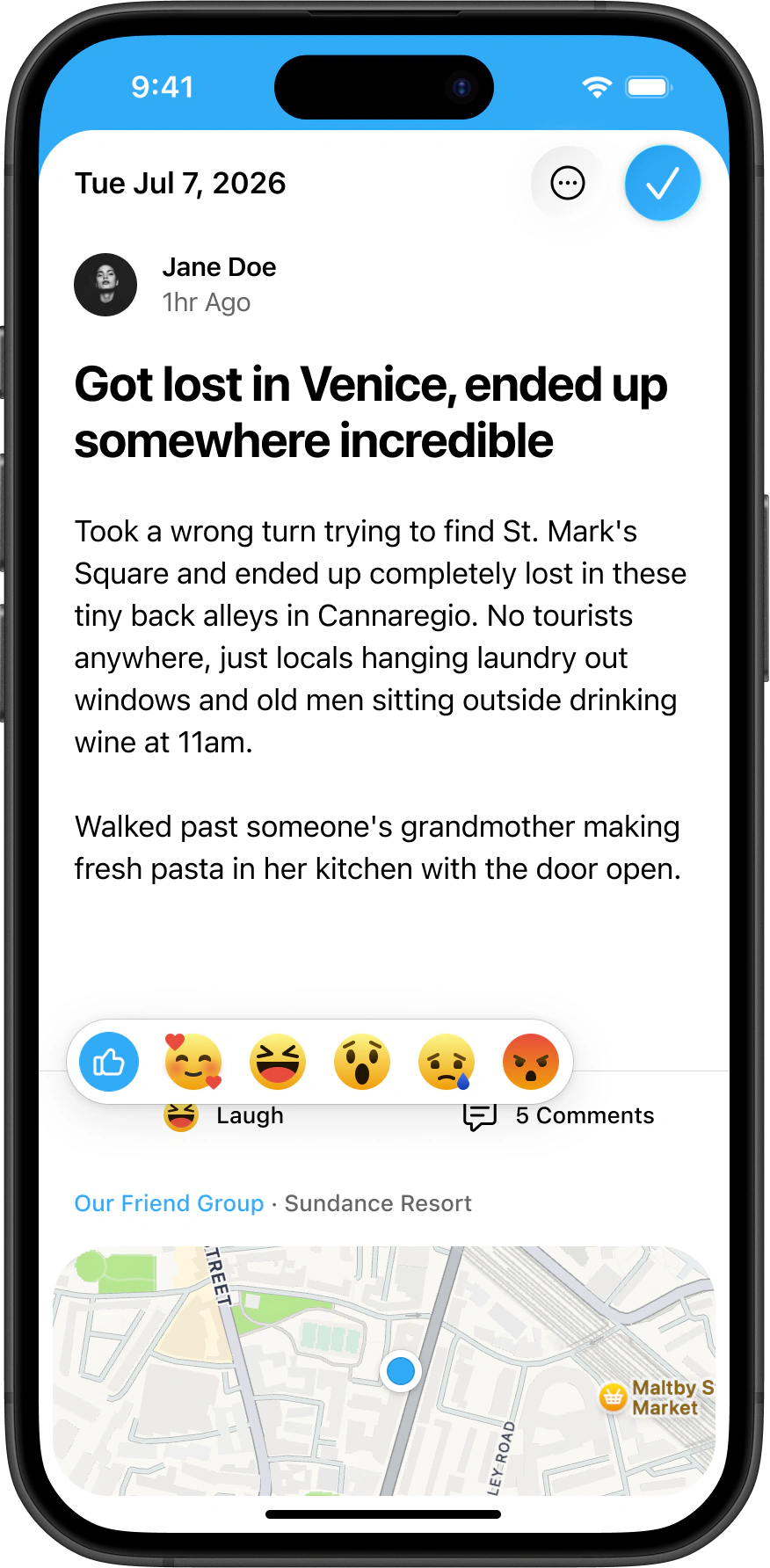
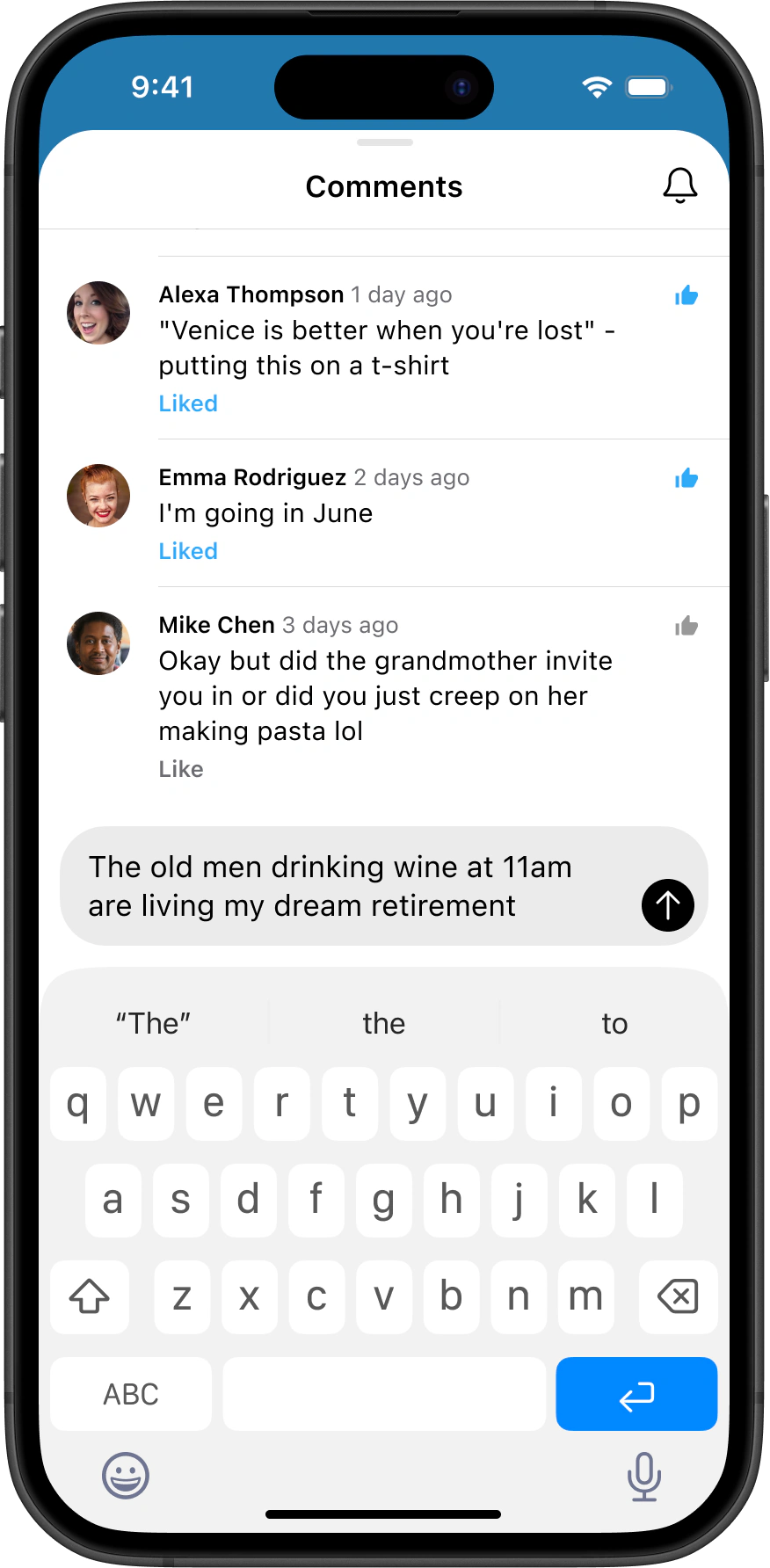
Shared Journals was one of the biggest projects I worked on at Day One: multiple people writing one journal together. I designed the social layer, the reactions, comments, and notifications that make a journal feel alive with other people in it. The goal was never a feed. It was an intimate, private space for a few people, built from social patterns everyone already knows.

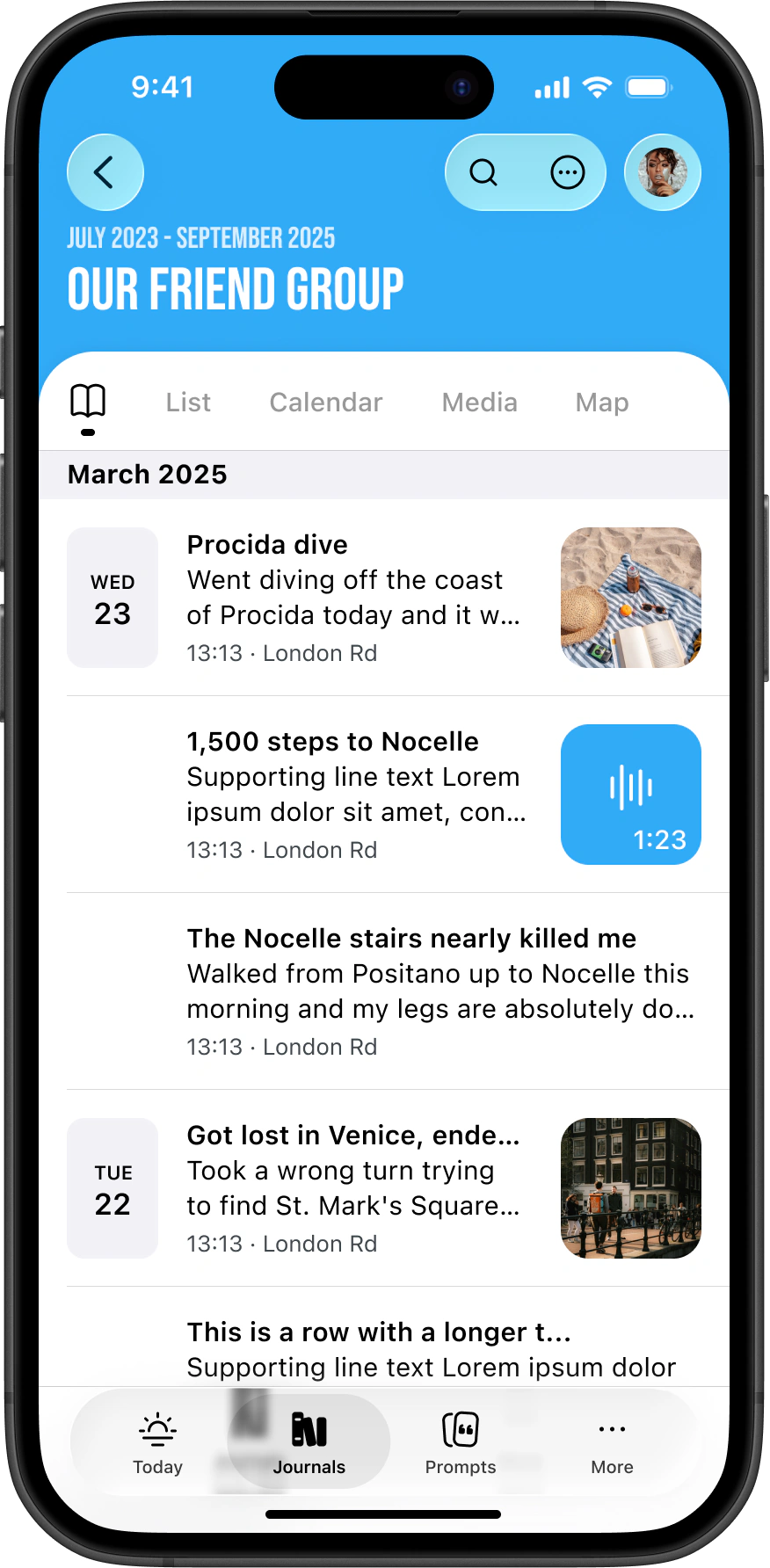
Journal cover before any members join Journal cover showing its members Shared journal timeline with entries from multiple authors

Sharing keys when the owner is offline

Day One encrypts every journal end to end, which turns simple things into hard problems. Inviting someone means handing over the encryption key, and the owner might not be online when it's time to do that. The first plan put this on the recipient. You'd accept an invite, then press a button to request an encryption key from the owner and wait for a response before you could get in. Accepting one invitation shouldn't take two requests. We rebuilt the flow around silent notifications that wake the owner's app in the background and hand over the key without anyone touching anything. When that route failed, an early version fell back to a request button, and we cut that too. The app notifies the owner on its own while the recipient sees a message saying access is on the way. Every round of iteration removed a button.

Comments on a shared journal entry Composing a comment on an entry Casting a reaction on a shared journal entry

Every journal is a shared journal with zero members

While working on the creation flow I realised that from the user's point of view, every journal is just a shared journal with zero members. That reframing shaped the whole setup, and sharing became an on/off switch on the journal itself rather than a separate journal type. Journals hold things people wouldn't shout from the rooftops, so the switch had to feel deliberate and impossible to flip by accident. I even floated making users type out a phrase to enable it.

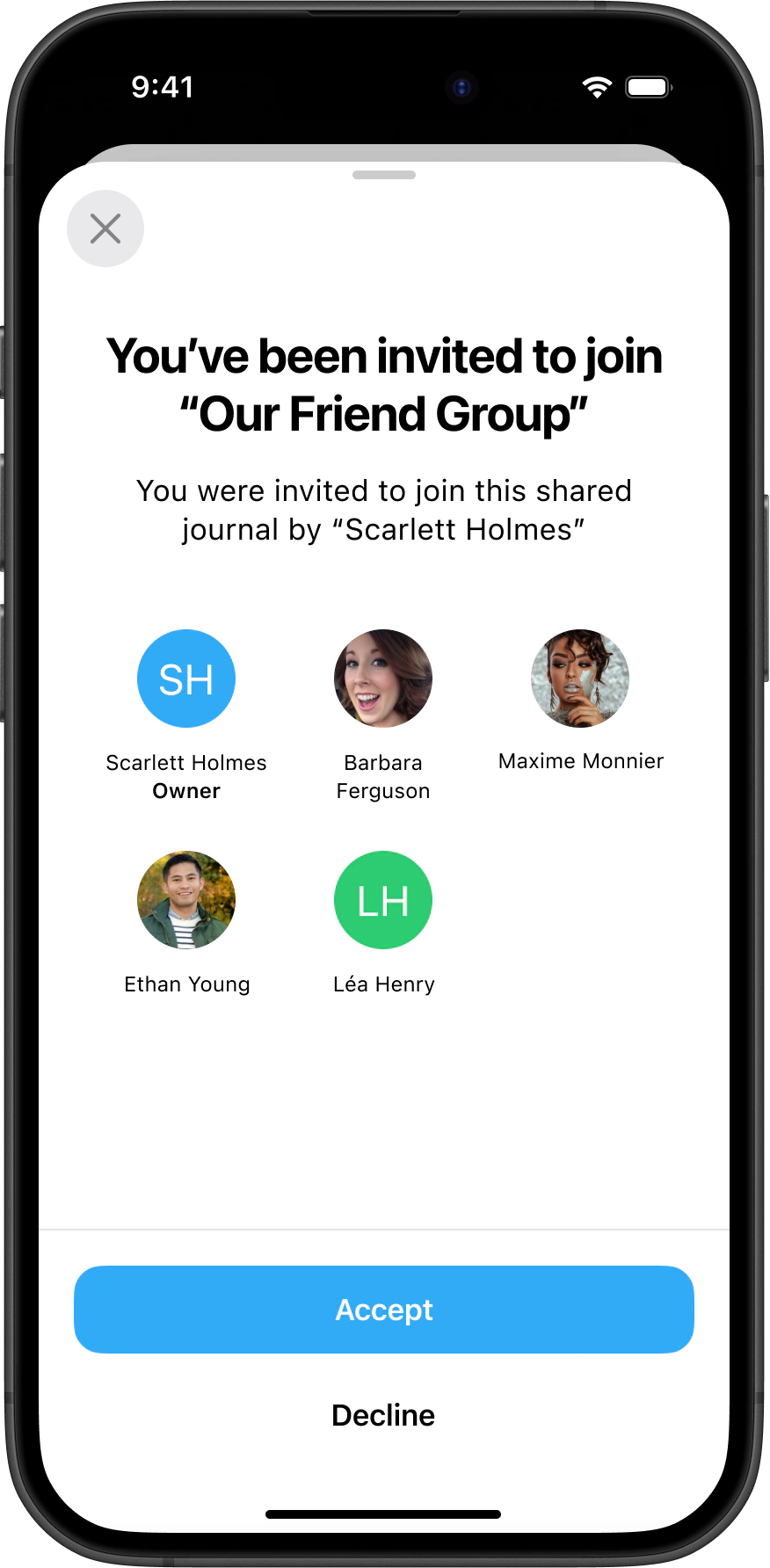
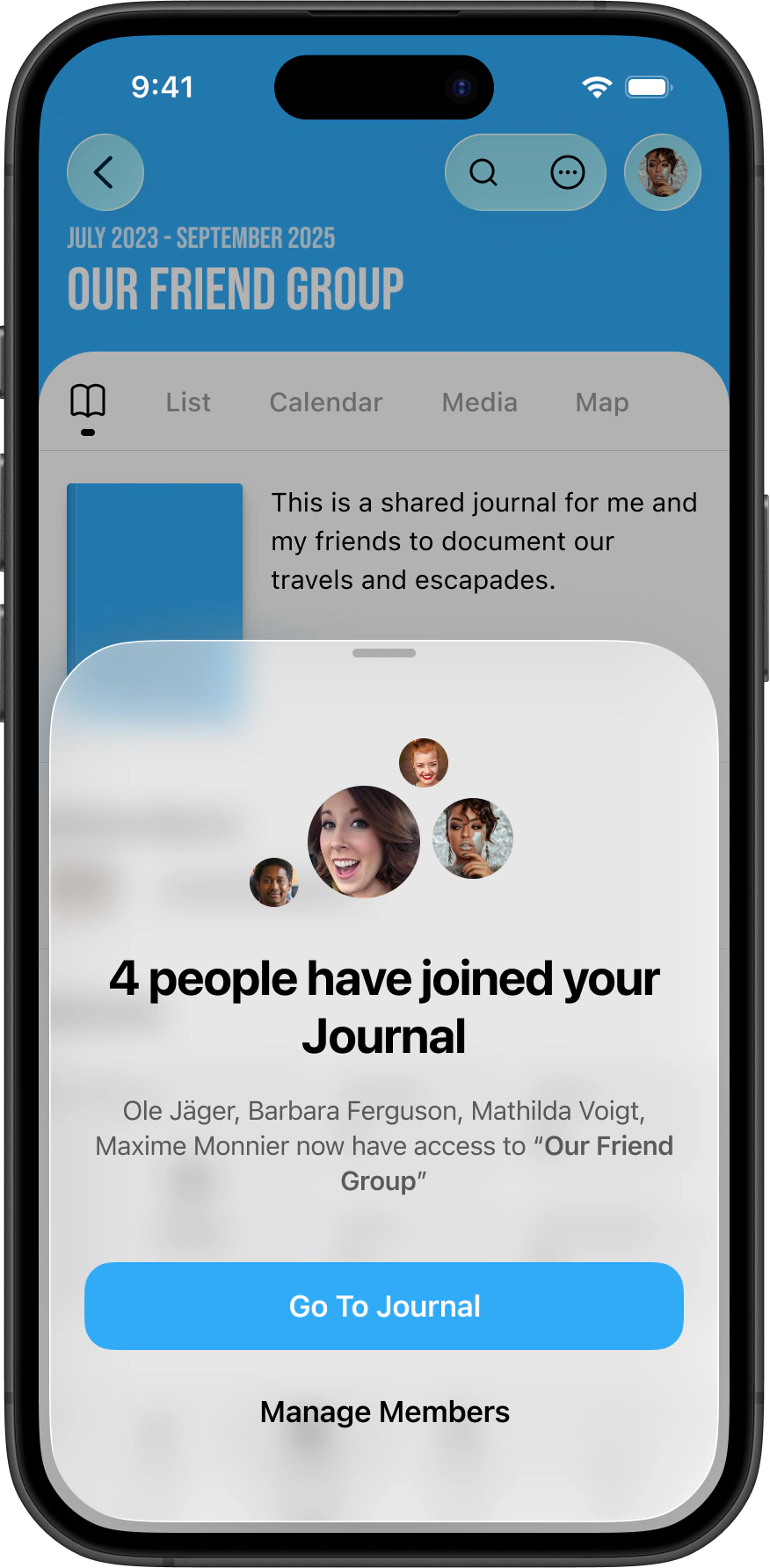
Receiving a shared journal invitation Owner view after an invite is accepted Shared journal notifications list

Built for groups, used by pairs

We tested it on ourselves first. At the team meetup in Mexico, everyone documented the week in a single shared journal, and we came home with a list of design fixes. After launch the data showed something unexpected. Shared journals were mostly pairs, not groups, and a large portion had only one member. We surveyed those owners and interviewed five over Zoom. Nobody was confused about what the feature was for. Every one of them had started a journal with their partner. What stopped them was the invite. They didn't know they could invite people who aren't on Day One yet, and the flow had no single breaking point, just a hundred small paper cuts. Smoothing those out is ongoing work. The social layer itself landed though. People liked reactions and comments enough to ask for them in their private journals. Next up is real multiplayer, with several people editing the same entry at once.

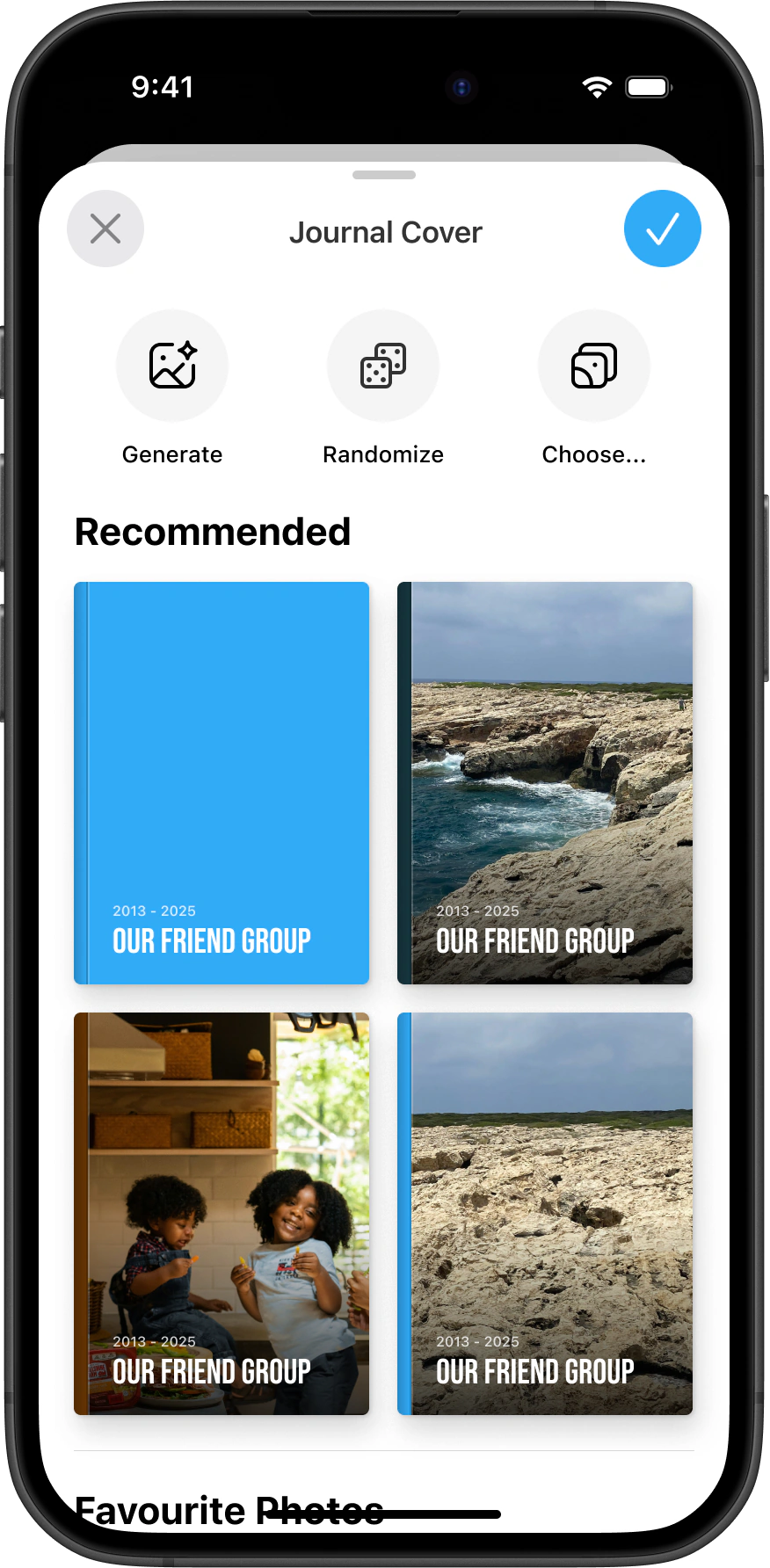
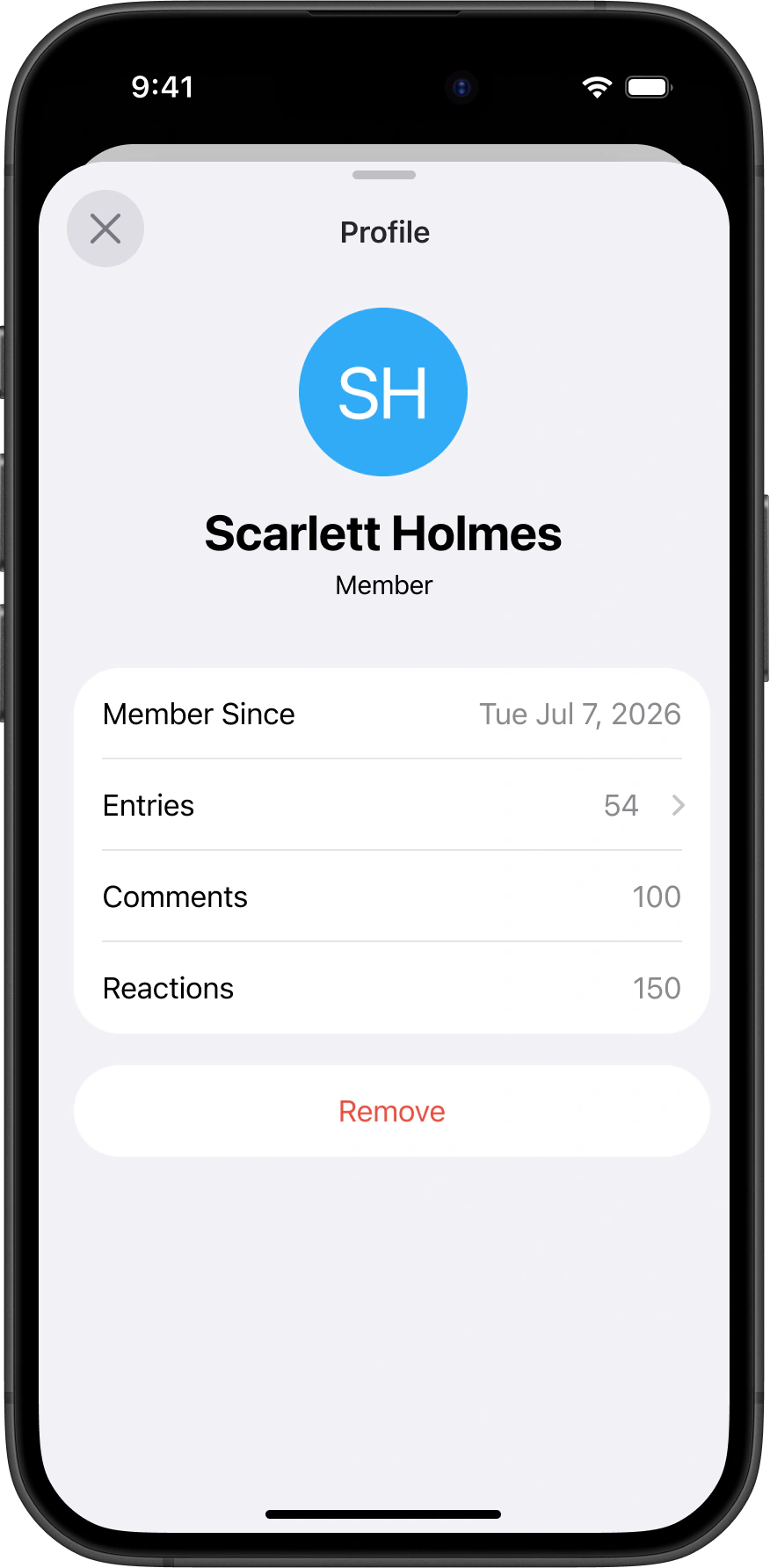
A member profile in a shared journal Choosing a cover image for a shared journal Read-only entry view with reactions
Next project Day One Daily Chat